此页面暂未提供中文译文,以下显示英文原文。
Testbed
Basic formatting
This component demonstration shows how readable text flows within the website layout, with consistent spacing, typography, and alignment. Use these examples to compare headings, links, lists, and other elements before updating the main pages. Longer passages help demonstrate line wrapping and the relationship between text and nearby images. The content on this page is for testing website components rather than describing research results.
italic text
bold text
strike-through text
Text with extra blank lines above and below
- list item a
- list item b
- list item c
- ordered list item 1
- ordered list item 2
- ordered list item 3
- top level list item
- nested list item
- even deeper nested list item
- nested list item
Plain image:

Heading 1
This component demonstration shows how readable text flows within the website layout, with consistent spacing, typography, and alignment.
Heading 2
This component demonstration shows how readable text flows within the website layout, with consistent spacing, typography, and alignment.
Heading 3
This component demonstration shows how readable text flows within the website layout, with consistent spacing, typography, and alignment.
Heading 4
This component demonstration shows how readable text flows within the website layout, with consistent spacing, typography, and alignment.
Heading 5
This component demonstration shows how readable text flows within the website layout, with consistent spacing, typography, and alignment.
Heading 6
This component demonstration shows how readable text flows within the website layout, with consistent spacing, typography, and alignment.
| TABLE | Game 1 | Game 2 | Game 3 | Total |
|---|---|---|---|---|
| Anna | 144 | 123 | 218 | 485 |
| Bill | 90 | 175 | 120 | 385 |
| Cara | 102 | 214 | 233 | 549 |
It was the best of times it was the worst of times. It was the age of wisdom, it was the age of foolishness. It was the spring of hope, it was the winter of despair.
// some code with syntax highlighting
const popup = document.querySelector("#popup");
popup.style.width = "100%";
popup.innerText =
  "This component demonstration shows how readable text flows within the website layout, with consistent spacing, typography, and alignment.";
This sentence has inline code, useful for making references to variables, packages, versions, etc. within a sentence.
This text is aligned to the left.
This text is aligned to the center.
This text is aligned to the right.
Hidden content
Expandable content can include links, lists, and other formatting to demonstrate how details appear when opened.
Jekyll Spaceship
| Stage | Direct Products | ATP Yields |
|---|---|---|
| Glycolysis
|
2 ATP | |
| 2 NADH | 3–5 ATP | |
| Pyruvaye oxidation | 2 NADH | 5 ATP |
| Citric acid cycle
|
2 ATP | |
| 6 NADH | 15 ATP | |
| 2 FADH | 3 ATP | |
| 30–32 ATP |
$ a * b = c ^ b $
$ 2^{\frac{n-1}{3}} $
$ \int_a^b f(x)\,dx. $
Components
Section
Section, background
Section, dark=true
Section, background dark=true
Section, size=wide
Section, size=full w/ figure

Figure

px width
% width
px height

px width, svg
% width, svg
px height, svg
Button
Icon
GitHub Research Citations
Feature
Title
Feature content explains a topic and connects readers to another page on the website.
Title
Feature content explains a topic and connects readers to another page on the website.
List
List citations
2027
2026
2025
2024
2023
2022
2021
2020
2019
2018
2017
2016
2015
2014
2013
2012
2011
2010
2009
2007
List projects
List team members









List blog posts
2023
Announcements can share opportunities, talks, and updates from the group. This example illustrates a post with a cover image; it does not describe an actual event.
2021
Research notes can explain a method, discuss an engineering challenge, or point readers to related publications. This example illustrates the format and does not announce a research result.
2019
This example demonstrates how a short lab news post appears on the website. Future posts can introduce a research topic, summarize an activity, or share a link to a publication. This is a website example, not a record of a lab event.
Citation
Card
Portrait
Post Excerpt
This example demonstrates how a short lab news post appears on the website. Future posts can introduce a research topic, summarize an activity, or share a link to a publication. This is a website example, not a record of a lab event.
Alert
Tip This component demonstration shows how readable text flows within the website layout, with consistent spacing, typography, and alignment. This component demonstration shows how readable text flows within the website layout, with consistent spacing, typography, and alignment.
Help This component demonstration shows how readable text flows within the website layout, with consistent spacing, typography, and alignment. This component demonstration shows how readable text flows within the website layout, with consistent spacing, typography, and alignment.
Info This component demonstration shows how readable text flows within the website layout, with consistent spacing, typography, and alignment. This component demonstration shows how readable text flows within the website layout, with consistent spacing, typography, and alignment.
Success This component demonstration shows how readable text flows within the website layout, with consistent spacing, typography, and alignment. This component demonstration shows how readable text flows within the website layout, with consistent spacing, typography, and alignment.
Warning This component demonstration shows how readable text flows within the website layout, with consistent spacing, typography, and alignment. This component demonstration shows how readable text flows within the website layout, with consistent spacing, typography, and alignment.
Error This component demonstration shows how readable text flows within the website layout, with consistent spacing, typography, and alignment. This component demonstration shows how readable text flows within the website layout, with consistent spacing, typography, and alignment.
Tags
Float
Figures
This component demonstration shows how readable text flows within the website layout, with consistent spacing, typography, and alignment. Use these examples to compare headings, links, lists, and other elements before updating the main pages. Longer passages help demonstrate line wrapping and the relationship between text and nearby images. The content on this page is for testing website components rather than describing research results.
Code
const test = "This sample message demonstrates a JavaScript string.";
This component demonstration shows how readable text flows within the website layout, with consistent spacing, typography, and alignment. Additional sentences show how a longer paragraph appears. Check that spacing remains comfortable to read. Compare the layout at different screen widths. Images and text should remain clearly separated. Keep related information together in each section. Use headings to make the page easier to scan. Review both short and long paragraphs. Each paragraph should remain legible beside the surrounding components. This sample adds enough text to test the available space. Check the balance between text and images. Allow enough space between elements. Keep captions close to their figures. Use a consistent style across the page. The final sentence completes this layout demonstration.
Grid
Regular
With Markdown images

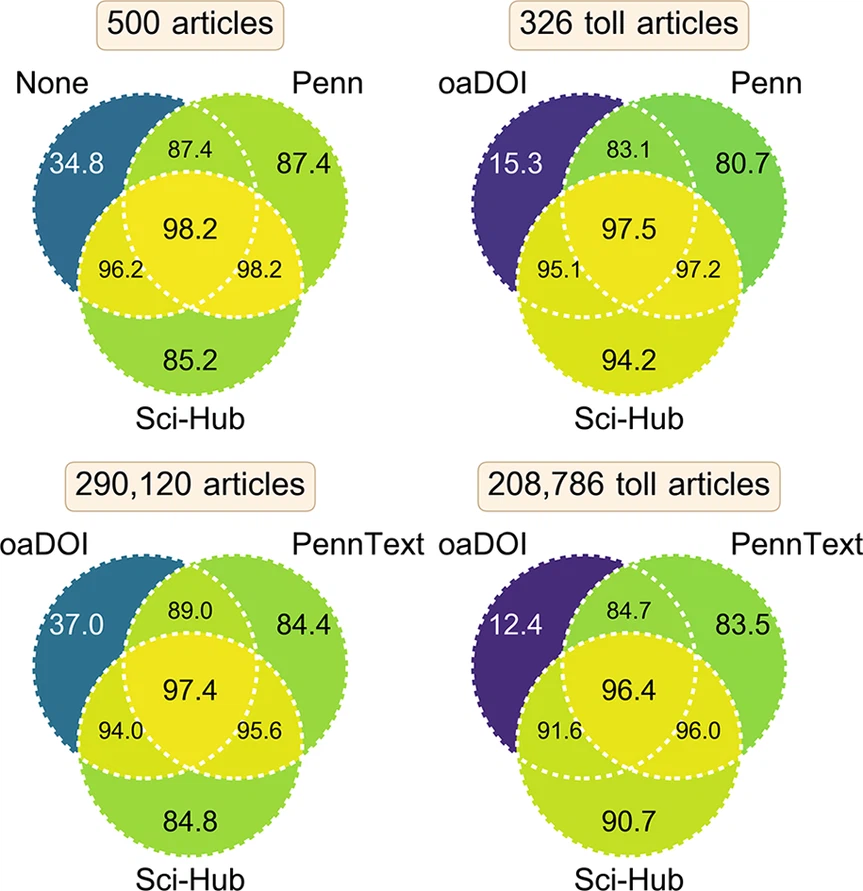
Square
With figure components
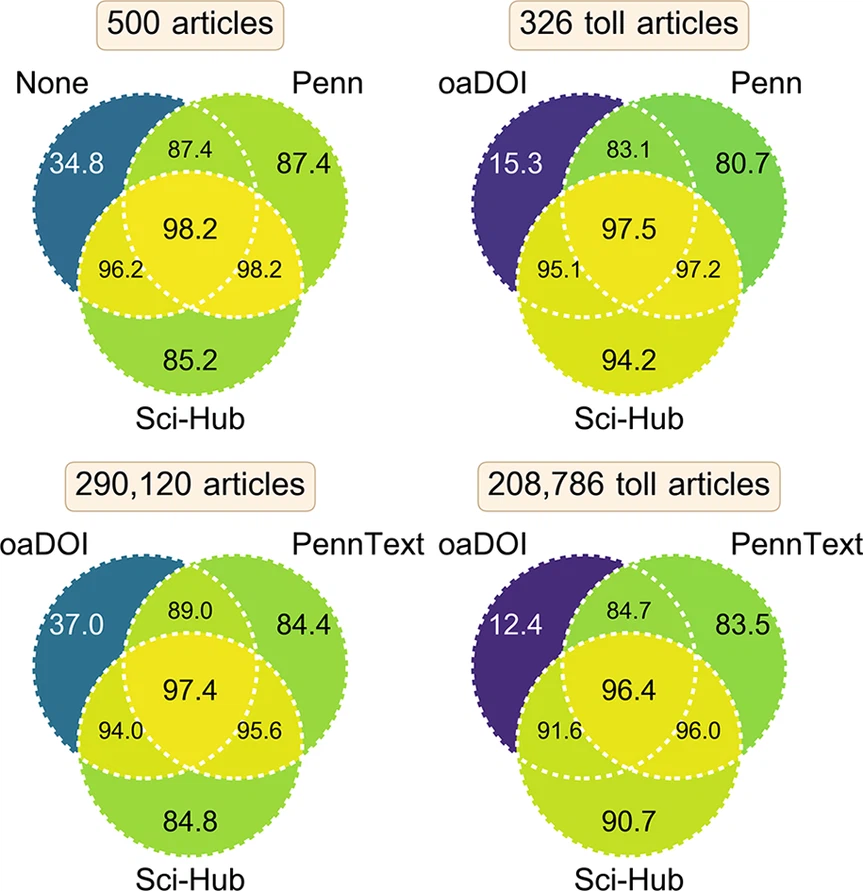
Grid of citations
2027
2026
2025
2024
2023
2022
2021
2020
2019
2018
2017
2016
2015
2014
2013
2012
2011
2010
2009
2007
Grid of blog posts
2023
Announcements can share opportunities, talks, and updates from the group. This example illustrates a post with a cover image; it does not describe an actual event.
2021
Research notes can explain a method, discuss an engineering challenge, or point readers to related publications. This example illustrates the format and does not announce a research result.
2019
This example demonstrates how a short lab news post appears on the website. Future posts can introduce a research topic, summarize an activity, or share a link to a publication. This is a website example, not a record of a lab event.
Cols
Text
This component demonstration shows how readable text flows within the website layout, with consistent spacing, typography, and alignment.
This component demonstration shows how readable text flows within the website layout, with consistent spacing, typography, and alignment. Additional sentences show how a longer paragraph appears. Check that spacing remains comfortable to read.
This component demonstration shows how readable text flows within the website layout, with consistent spacing, typography, and alignment. Additional sentences show how a longer paragraph appears. Check that spacing remains comfortable to read. Compare the layout at different screen widths. Images and text should remain clearly separated. Keep related information together in each section. Use headings to make the page easier to scan. Review both short and long paragraphs. Each paragraph should remain legible beside the surrounding components. This sample adds enough text to test the available space. Check the balance between text and images. Allow enough space between elements. Keep captions close to their figures. Use a consistent style across the page. The final sentence completes this layout demonstration.
Images
This figure appears beside supporting text to demonstrate a column layout.
This figure appears beside supporting text to demonstrate a column layout.
This figure appears beside supporting text to demonstrate a column layout.
Code
const test = "Example component text";
const test = "Example component text";
const test = "Example component text";